vscode django formatter
https://github.com/vscode-django/vscode-django
GitHub - vscode-django/vscode-django: Beautiful syntax and snippets for perfectionists with deadlines Beautiful syntax and snippets for perfectionists with deadlines - vscode-django/vscode-django Beautiful syntax and snippets for perfectionists with deadlines - vscode-django/vscode-django
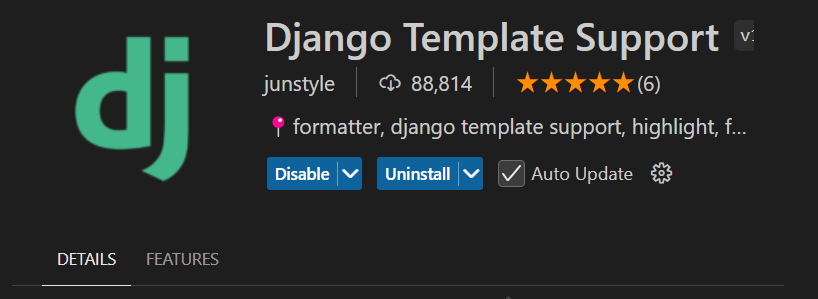
vscode에서 html이라고 다 같은 html 이 아니다. prettierrc로 자동정렬한 코드는 렌더링에서 에러를 뱉는다.
대표적으로, 이어야 하는데, prettierrc는 띄어쓰기를 맘대로 없애버린다. 이건 에러를 뱉는다.. 그래서 django-html 용 자동포매터를 사용해야 한다. 이를 위해 .prettierignore에 django-html 파일들을 등록해주고, 그 대신 .django 라는 포매터 문서 파일을 만들어서 몇가지를 등록해준다.
.prettierignore
1
templates/**/*.html
.django
1
2
3
4
5
6
7
8
9
10
11
12
13
{
"files.associations": {
    "**/views/**/*.html": "django-html",
    "templates/**/*.html": "django-html",
    "*.tpl": "django-html"
  },


  "[django-html]": {
    "editor.formatOnSave": true,
    "editor.defaultFormatter": "junstyle.vscode-django-support"
  },
}
이렇게 하면, home.html에서도 django-html에 맞는 자동정렬을 해준다. alt + shift + F
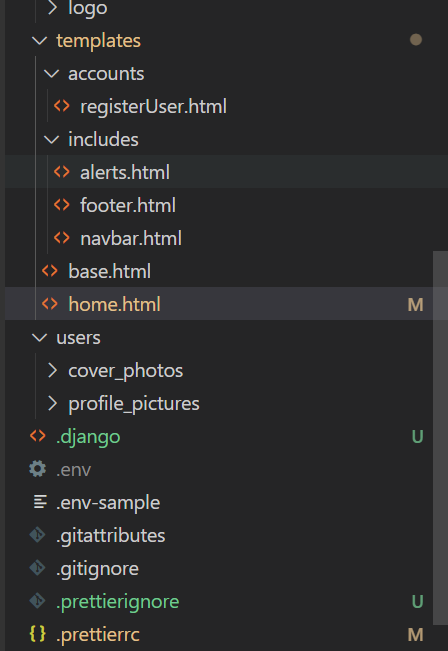
다음은 예제로 만들고 있는 django 사이트.

이 기사는 저작권자의 CC BY 4.0 라이센스를 따릅니다.