Unity에서 QR코드 스캐너 멋지게 만들기.
지난 포스팅에서는 Zxing 패키지를 사용해서 QR 코드 스캐너를 구현했습니다. https://blog.naver.com/devramyun/223262882409
[20231112] Unity에서 C# Nuget ZXing 사용하기 지난 포스팅 'Unity에서 C# Nuget HtmlAgilityPack 사용하기'의 후속 시리즈 포스팅입니다… 지난 포스팅 'Unity에서 C# Nuget HtmlAgilityPack 사용하기'의 후속 시리즈 포스팅입니다…
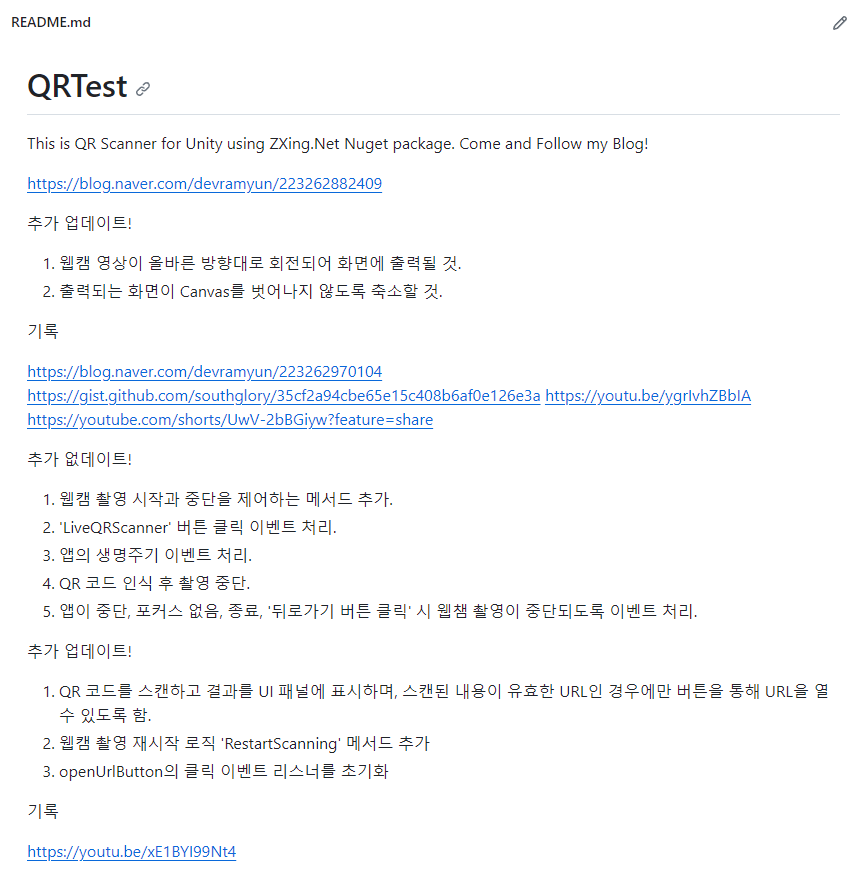
- 웹캠 영상이 올바른 방향대로 회전되어 화면에 출력될 것.
- 출력되는 화면이 Canvas를 벗어나지 않도록 축소할 것.
1
2
3
4
5
6
7
8
9
10
11
12
13
14
15
16
17
18
19
20
21
22
23
24
25
26
27
28
29
30
31
32
33
34
35
36
37
38
39
40
41
42
43
44
45
46
47
48
49
50
51
52
53
54
55
56
57
58
59
60
61
62
63
64
65
66
67
68
69
70
71
72
73
74
75
76
77
78
79
80
81
82
83
84
85
86
87
88
// Written By Devramyun
// https://github.com/southglory/
// https://blog.naver.com/devramyun/223262882409
// Feel free to use

using System;
using System.Collections;
using UnityEngine;
using UnityEngine.UI;
using TMPro;
using ZXing;

public class QRCodeScanner : MonoBehaviour
{
    public RawImage rawImageDisplay; // RawImage UI 요소
    public TextMeshProUGUI tmpText; // TextMeshPro UI 요소
    private WebCamTexture camTexture;

    static string strBarcodeRead;

    void Start()
    {
        // WebCamTexture 설정
        camTexture = new WebCamTexture();
        camTexture.Play();

        // RawImage에 WebCamTexture 설정
        rawImageDisplay.texture = camTexture;

        // 비율에 맞게 RawImage의 RectTransform 크기 조정
        StartCoroutine(AdjustRawImageSize());
    }

    private IEnumerator AdjustRawImageSize()
    {
        yield return new WaitUntil(() => camTexture.width > 100);

        float screenAspectRatio = (float)Screen.width / Screen.height;
        float camAspectRatio = (float)camTexture.width / camTexture.height;

        rawImageDisplay.rectTransform.localEulerAngles = new Vector3(0, 0, -camTexture.videoRotationAngle);

        if (camTexture.videoVerticallyMirrored)
        {
            rawImageDisplay.rectTransform.localScale = new Vector3(1, -1, 1);
        }

        if (screenAspectRatio > camAspectRatio)
        {
            float width = Screen.height * camAspectRatio;
            rawImageDisplay.rectTransform.sizeDelta = new Vector2(width, Screen.height);
        }
        else
        {
            float height = Screen.width / camAspectRatio;
            rawImageDisplay.rectTransform.sizeDelta = new Vector2(Screen.width, height);
        }
    }


    void Update()
    {
        try
        {
            IBarcodeReader barcodeReader = new BarcodeReader();
            var result = barcodeReader.Decode(camTexture.GetPixels32(), camTexture.width, camTexture.height);

            if (result != null && strBarcodeRead != result.Text)
            {
                strBarcodeRead = result.Text;
                tmpText.text = strBarcodeRead; // TextMeshPro 텍스트 업데이트
                Debug.Log(result.Text);
            }
        }
        catch (Exception ex)
        {
            Debug.LogWarning(ex.Message);
        }
    }

    void OnDestroy()
    {
        if (camTexture != null)
        {
            camTexture.Stop();
        }
    }
}
데스크탑 웹캠과, 안드로이드 스마트폰에서 테스트 통과했습니다. https://youtu.be/ygrIvhZBbIA
[영상]
https://youtube.com/shorts/UwV-2bBGiyw?feature=share
[영상]
출처는 제 오른손과 왼손입니다.

https://gist.github.com/southglory/35cf2a94cbe65e15c408b6af0e126e3a
Unity에서 ZXing을 사용한 QRCode 스캐너. Unity에서 ZXing을 사용한 QRCode 스캐너. GitHub Gist: instantly share code, notes, and snippets. Unity에서 ZXing을 사용한 QRCode 스캐너. GitHub Gist: instantly share code, notes, and snippets.
+추가) https://youtu.be/xE1BYI99Nt4
[영상]
[영상]
이 기사는 저작권자의 CC BY 4.0 라이센스를 따릅니다.